|
|
|
|
|
How to view campaign finance reports July 13, 2025
We have a primary election coming up August 5 and some of us will want to know who the candidates get their campaign money from and how they spend it. The first reports we will see are the pre-election reports. They are due July 25. After the primary, we can expect the post-election reports, due September 4. For the November 4 general election, the pre-election reports are due October 4 and the post-election reports are due December 4. The entire schedule is here on the State of Michigan website.
The report I am eager to see is Andy Schor's. I'd like to see how much more he has taken in since the end of 2024, when his campaign finance committee had a balance of over $179,000.
In past years, I've reported on campaign contributions and spending for several candidates. (Here is an example.) Campaign finance reports for local candidates are on the website of the Ingham county clerk. Since I last looked, however - which may have been 2022 - the presentation of reports has changed.
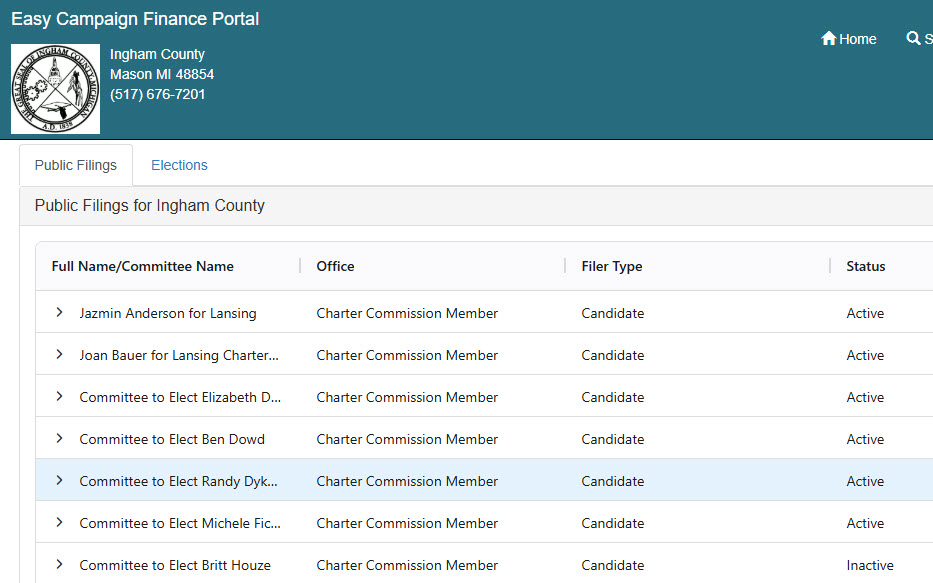
To find reports, go to https://ingham.org/departments_and_officials/county_clerk/campaign_finance_reporting.php. Scroll down to Campaign Reports Filed with the Ingham County Clerk. Click Search Current Campaign Finance Reports. This is what you will see:
Reports are filed under the campaign finance committee name. For example, Derrick Quinney's reports are found under "Friends of Derrick Quinney Register of Deeds." If you knew that he was running for Register of Deeds, you could sort the list by office by clicking in the header of the Office column (actually, they are sorted by office initially), then scroll down to Register of Deeds. You could also click in the Full Name/Committee Name header to sort by committee name, but that wouldn't help much unless you knew that his committee name started with "Friends".
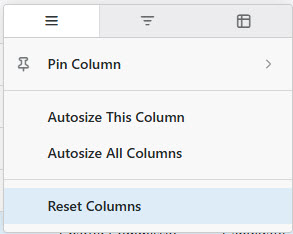
You could also do a search for "Quinney". To do that, click on the “Full Name/Committee Name” header. Three horizontal bars will appear at the right.
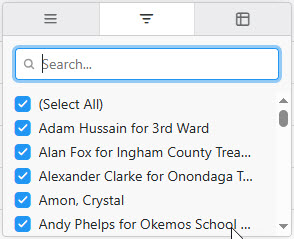
Click on those 3 bars and this window will pop up:
Click on the middle tab
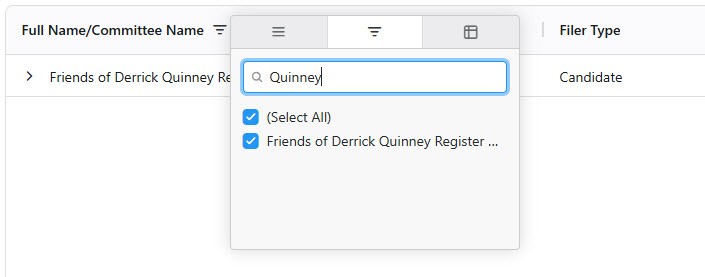
Enter the name in the Search window, hit Enter and all committees that contain that name will be listed.
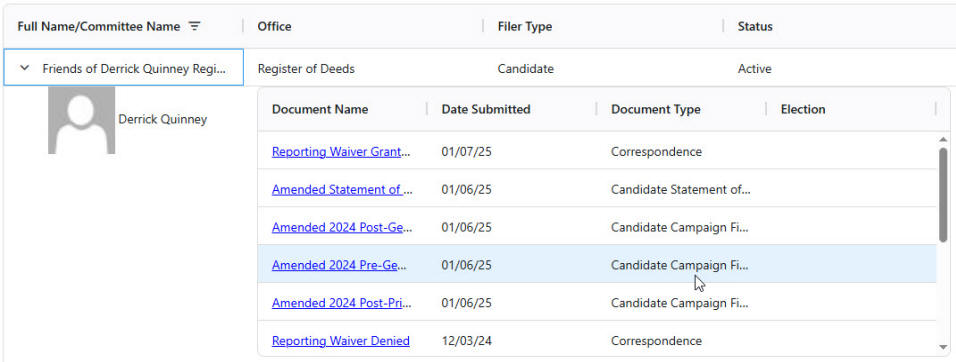
Click on the desired committee name at the left and all documents for that committee will be listed:
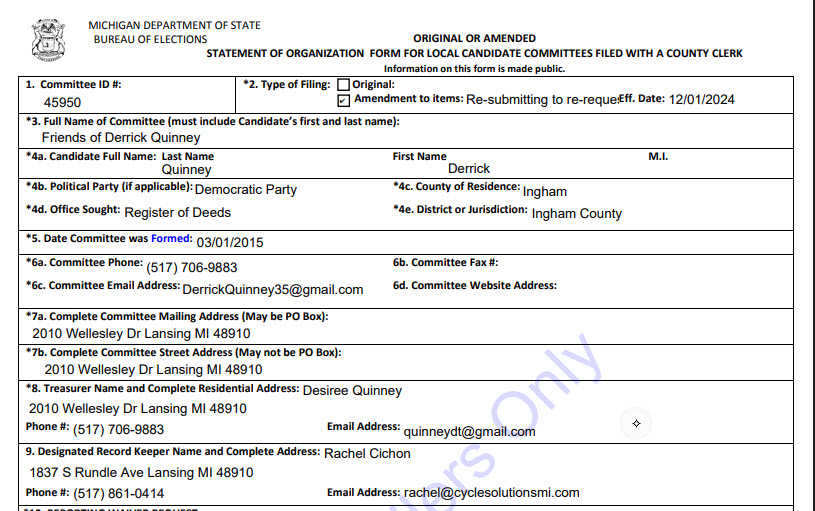
Scroll until you find the document you want and then double-click the document name. That will bring up an image of the document. You can examine it online or download it to your computer.
For campaign finance reports filed before 2024, there is another procedure. Go to this page again: https://ingham.org/departments_and_officials/county_clerk/campaign_finance_reporting.php, but this time scroll down to
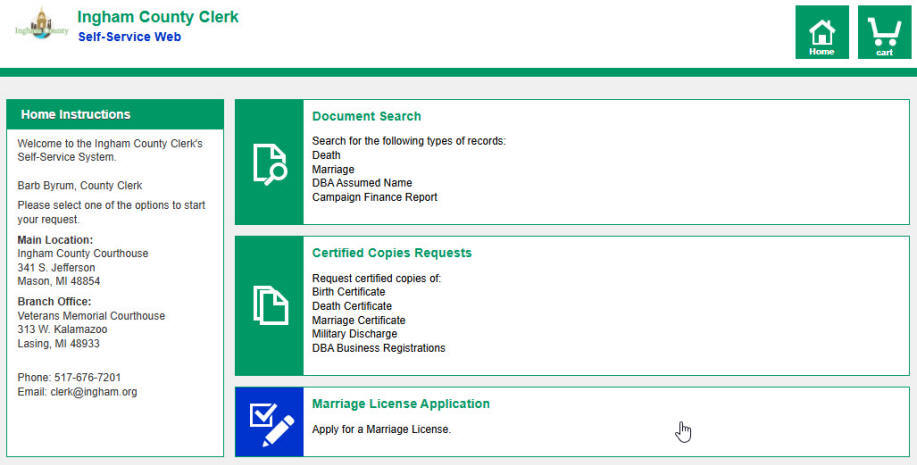
Click the link, accept the disclaimer and you will see this:
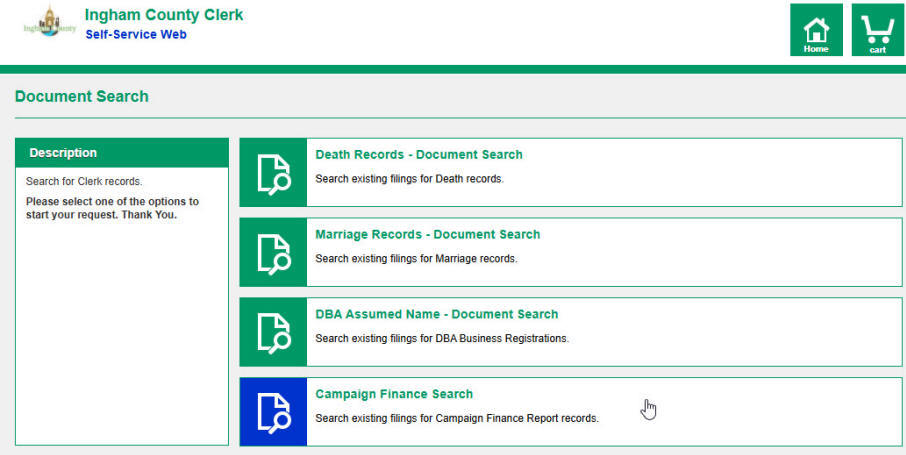
Under Document Search, click Campaign Finance Report. This what you will see:
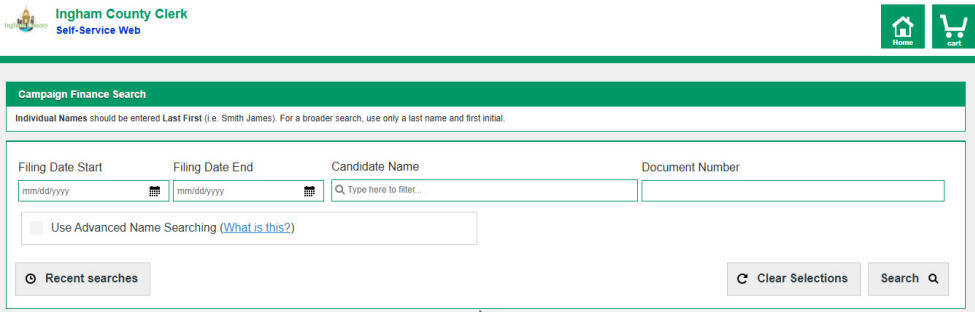
Click Campaign Finance Search. A screen will appear that allows you to enter a date range and the candidate's name.
Section 527 reports
There is a way other than campaign finance committees that allow politicians to collect and spend money. Here's how Wikipedia defines a 527 organization:
As far as I know, Andy Schor is the only one among Lansing candidates who has a 527 account. You can see his 527 reports by clicking here. That takes you to this page on the IRS website:
Check Form 8872, enter EIN 46-1990008 and click Submit Basic Search. Then click on Schor Lansing Fund. That gets you a list of submitted forms. To see a specific report, click the link in the Submission Type column.
Send comments, questions, and tips to stevenrharry@gmail.com or call or text me at 517-730-2638. If you'd like to be notified by email when I post a new story, let me know.
|


 and the search window will pop up: